Introduction to ZBrush: Modeling Workshop
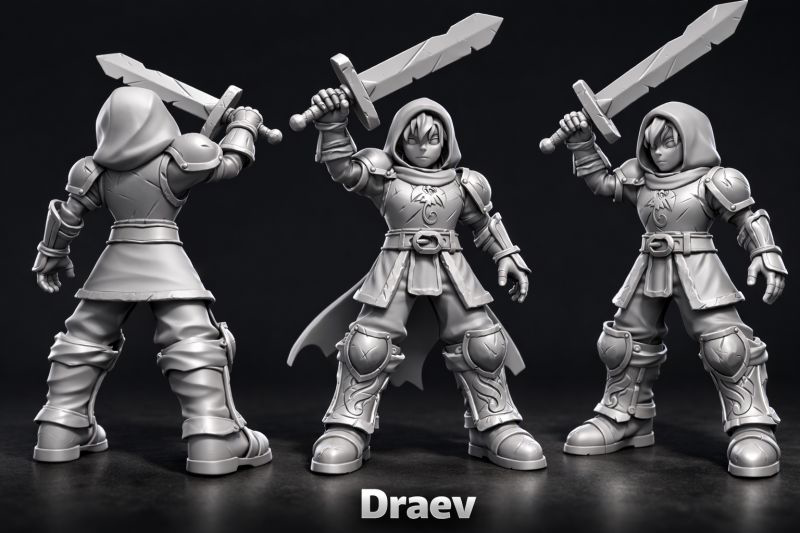
The first offline workshop where we went from basic forms to final renders.
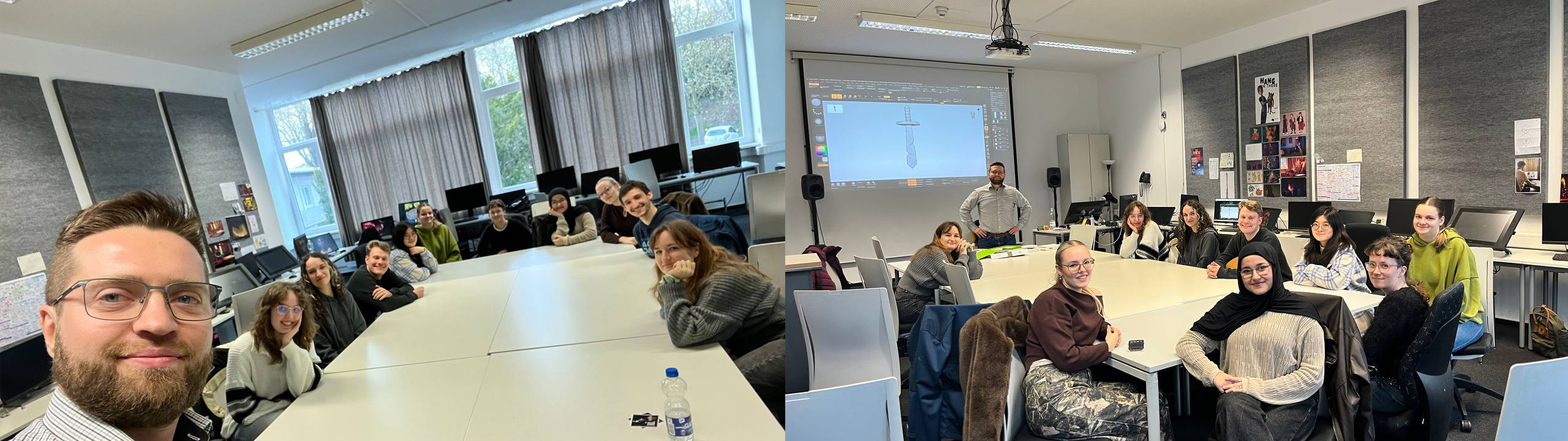
The workshop took place at Hochschule Mainz, with 10 students participating, most of them with no prior 3D experience. Over the course of two days, we covered the fundamental principles of modeling, explored a wide range of tools, and reinforced everything through hands-on practice.
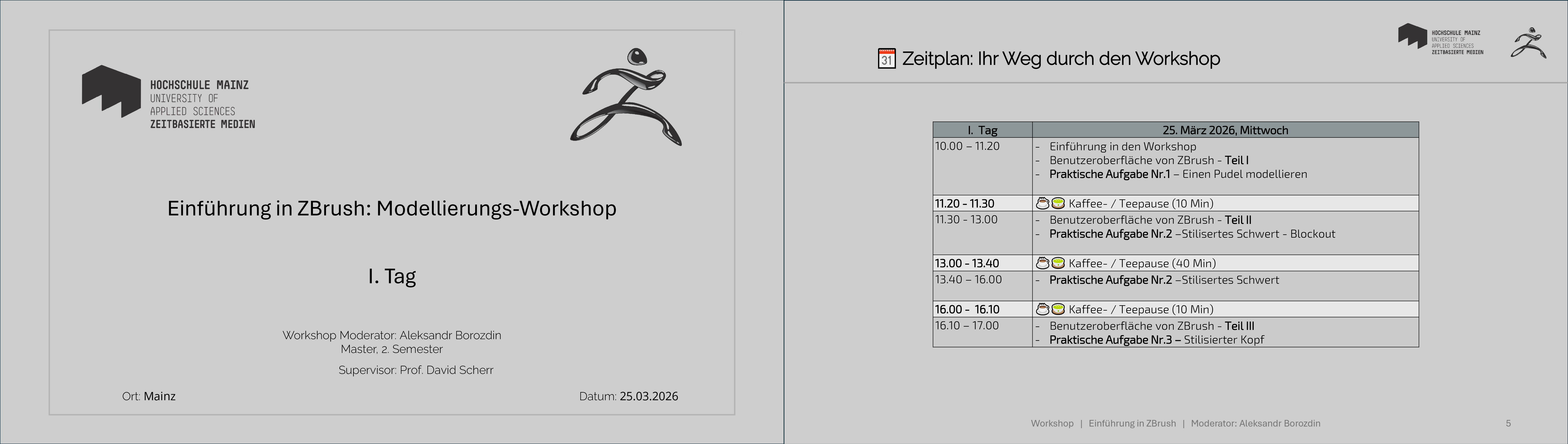
The workshop was held in an intensive format: two days of 8 hours each. Despite the heavy workload, all participants handled this (almost marathon-like) pace remarkably well and successfully made it to the end. However, for the future, the format could be made a bit more manageable for example, spreading it over three days with 6 hours per day. This would allow participants to absorb the material more effectively and help them retain more energy by the end.
A few words about the “adventures” during the workshop
Of course, no workshop is complete without a few challenges — what would it be without them?
For about two hours, the software kept crashing on participants’ computers… roughly every five minutes. Completely random. It felt like ZBrush decided to turn the learning process into an interactive quest.
As a result, I had to switch into “emergency tech support” mode: quickly restarting the program and manually reconstructing the already completed steps on each affected computer. A very hands-on, personalized approach — just slightly unplanned.
At first, the cause remained a mystery, which only added to the drama of the situation. Later, it turned out that only 10 licenses could be used simultaneously — a detail that, let’s say, wasn’t exactly obvious beforehand.
In the end, I had to stay calm under pressure, speed things up, and perform some real multitasking magic in order to keep the workshop on track. On the bright side, I didn’t just gain teaching experience, but also leveled up my crisis management skills.
Student Outcomes
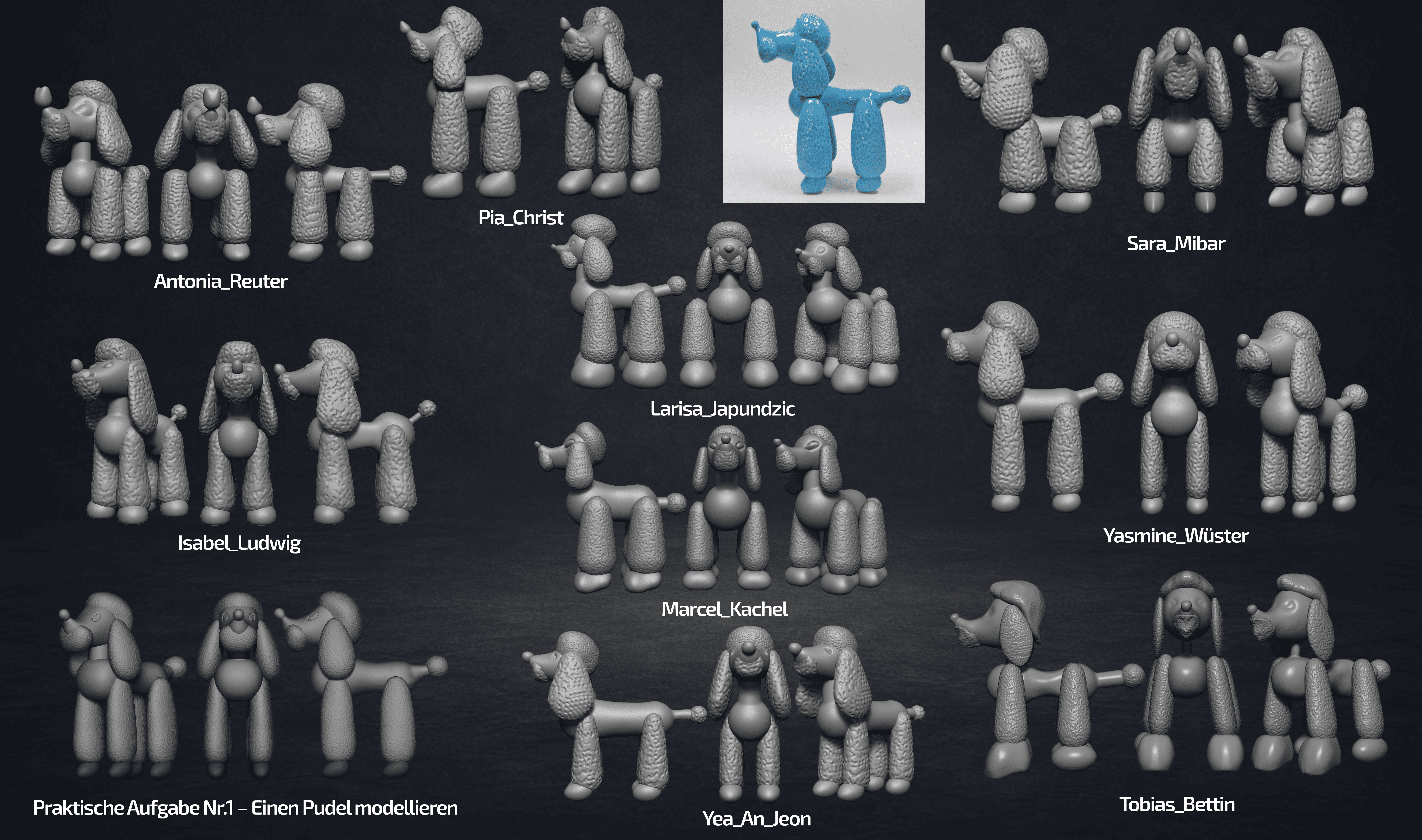
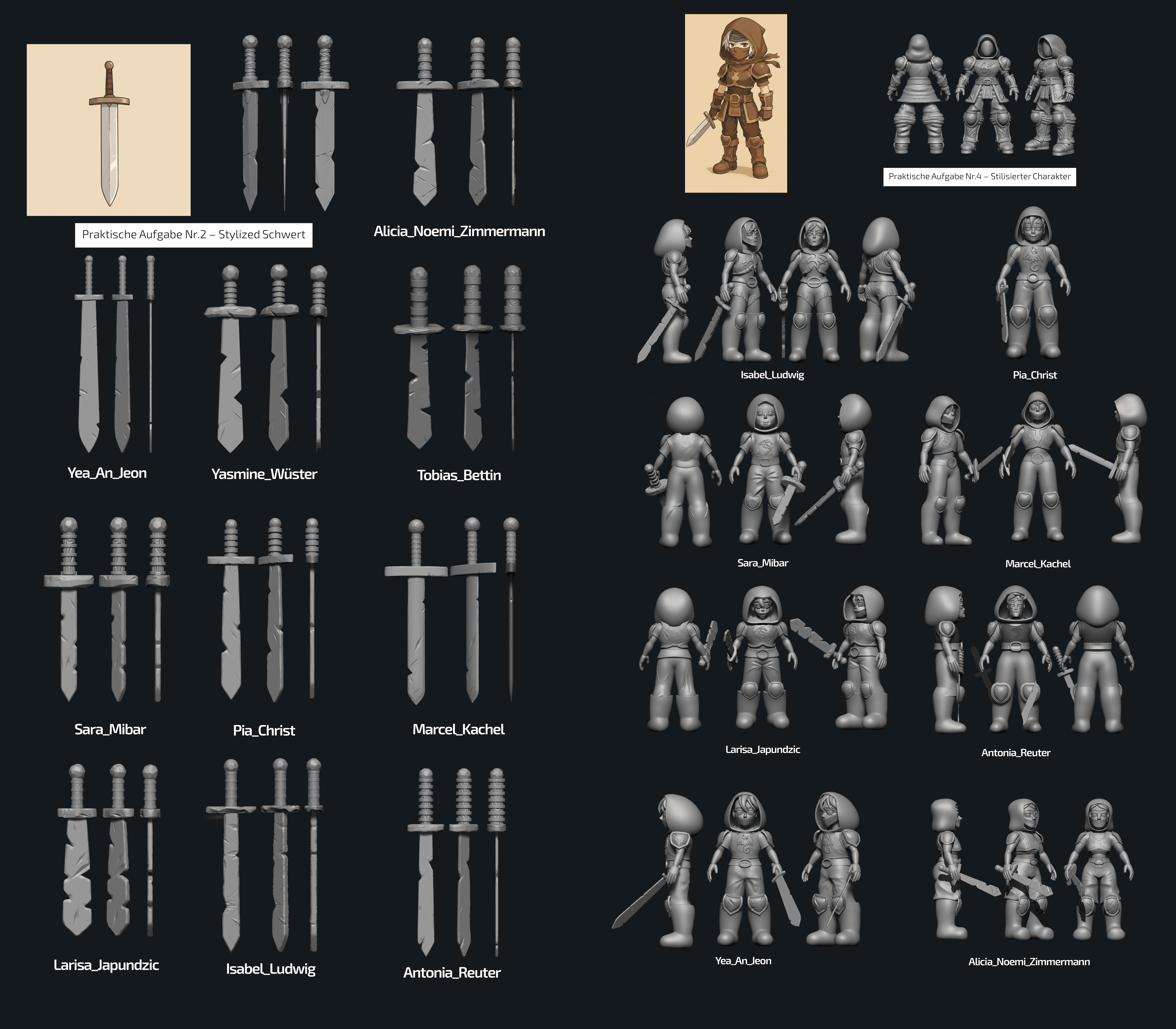
During the workshop, participants completed four progressive exercises — starting from simple tasks and moving toward more complex ones. This structured approach allowed them to gradually learn ZBrush tools and confidently progress from basic forms to more detailed work. Throughout the process, students explored key aspects of digital sculpting, including working with subdivision levels, morph targets, alphas, and many other essential tools and techniques. The hands-on format of the workshop helped participants not only understand the principles of working in ZBrush but also immediately apply them in practice, reinforcing their skills through a series of structured exercises.